

For those who are curious to know what are these small packets, it's the MiKey by Xiaomi. It comes in 6 colours, White, Pink, Orange, Green, Black and Blue.


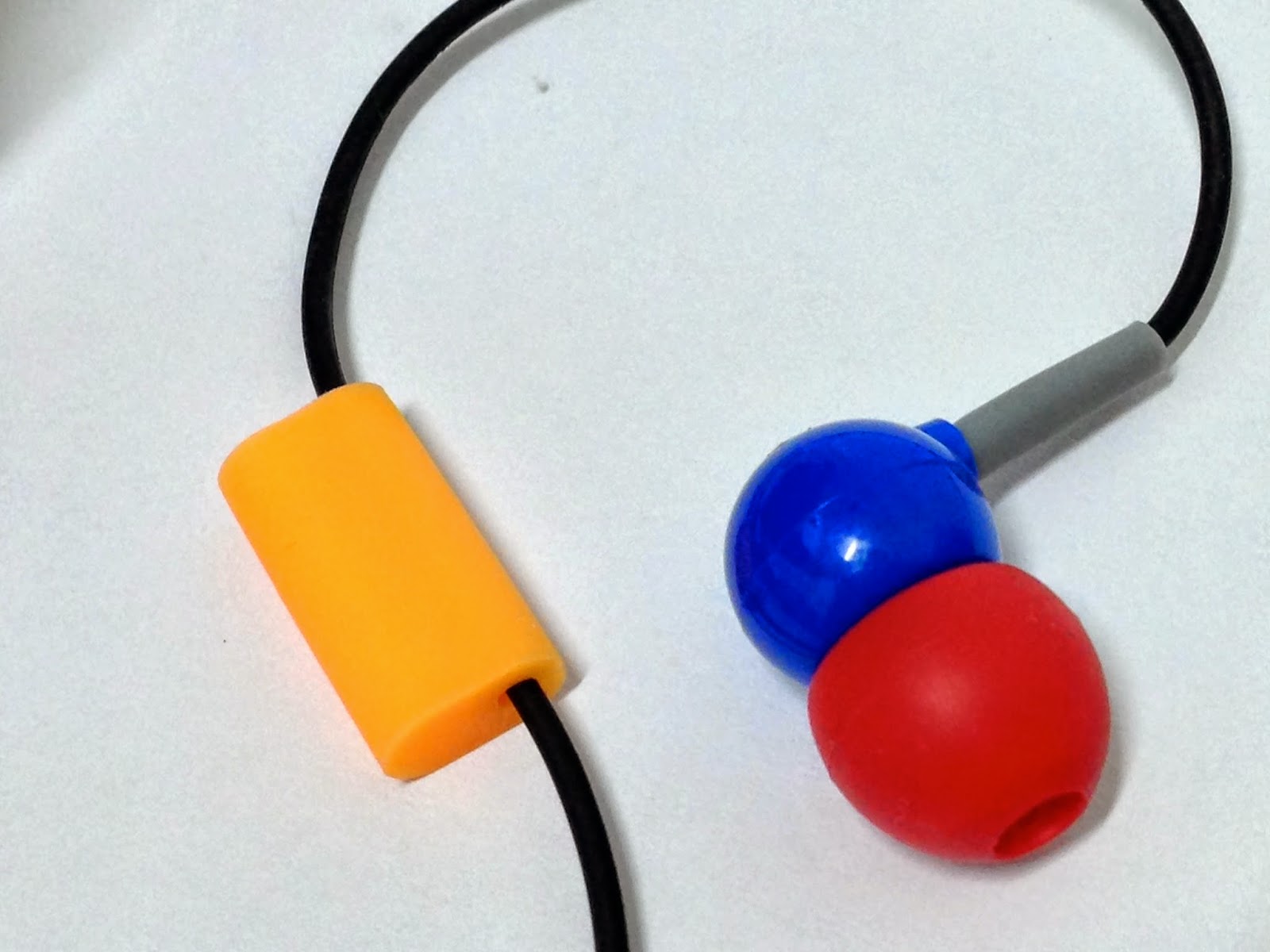
This is how the miKey looks like - a metal 3.5mm headset dust plug with a black button on top. As you can see, there is a orange colour holder for the miKey. This holder can be attach to your headphone and you can store your miKey in it when you are using the headphones.
It's easy to install and easy to set up too.
When you got your miKey, the first thing you should do is to download the miKey app. Without the app, you can't actually use it. There are currently 2 versions, Chinese and English.
Chinese: http://app.xiaomi.com/detail/59090
Once you downloaded the apps, you will see the logo on your mobile screen.

As this is an android app, you can also use it on other phones besides Xiaomi phones. I have not tried it on other phones except my own Xiaomi Redmi, so I can't really comment on the functionality on other phones. But on my Redmi, it's awesome.


Now, when you open the MiKey app, it will prompt you to insert the miKey to the headphone port. Fully insert it to the port and the system will ask you to identify if it's a MiKey or a headset. Select MiKey.

This is the interface of the UI for MiKey apps, a simple and clean UI. You can see a hand holding a phone with a MiKey plugged in. It shows the number of times it has been clicked for the day. The data will be reset at the end of the day and you can even compare your usage with others. Below the statistics, you will see the default setup of the MiKeys. The "1x" means the number of click you will need to activates the apps / actions that you set. The logo is the action that you have chosen.
By default, you can see there are 3 actions being set up. You can add in more actions / apps by clicking the + button. You can add up to 10 actions. For me, anything more than 5x is tough. While you can set the speed of the button clicks, I would have lost counts of the clicks during the selection of the actions. Thus, I only set 5 actions only.


You can set up your preferences by clicking the button on the top right corner of your screen. In the settings menu, you can set the speed of the button clicks. Setting 1000 means it will take ages before you can activate your 10 clicks actions/apps and setting it to 0, you will need to have a super fast fingers to click on the button for activations.
If you have chosen camera as one of the actions, you will need to decide whether to focus before taking photos or not. If you choose not to focus, your camera will immediately snaps when you activate the camera and you will probably end up with a blurry photo. On the other hand, if you choose to select focus before taking picture, your phones will take a moment to focus on the target.
To have a smoother experience for the MiKey, it's advisable to let the apps run on the background. However, this might drains your battery faster. Again, it's up to you to choose between the 2 options, faster response or conserving battery.
To delete the actions, just go to the main page, tap and hold on the actions and you will be able to delete them. To add actions, just tap the plus button at the bottom of the main page and you will see a list of click patterns, ranging from one click to a crazy 10 clicks. For each click pattern you can assign one action or a set of actions. The used patterns will be in grey as shown and the unused patterns will be in white.
That's the basic information about the Xiaomi MiKey. But how does this be used in a practically in our daily life?
For me, I used it mainly as a dust plug since I rarely use a headset. It helps to prevent dust from invading the interior of my phone. I also use it as an extension of the shortcuts to my favourite actions such as launching the camera, recorder, alarms setting, activating QR codes scanner and also clearing the RAM. It's so convenient as I do not need to search for the apps. After using the MiKey for around 2 weeks, I don't think I would want to live without it.
But is this a perfect accessories for my Xiaomi Redmi? While it does provides me the benefits, there are few things that I think Xiaomi might need to look into and improvise. The responsiveness remain the main issues, there are times when I will need to click more before the phone recognise my clicking. Xiaomi should really look into this matter and to improve on the responsiveness of the MiKey. If they are able to fix this issue, it will definitely be my favourite accessory for my Redmi.
Finally, the million dollar question. Pricing and availability in Malaysia. The official price for the Xiaomi MiKey is RMB4.99 (around RM2.60 or USD0.80). And since the MiKey is not officially available in Malaysia Xiaomi Online Store yet, you either buy it from Xiaomi China or Taobao or other sources. I bought mine from a local seller in lowyat forum since I wanted to save on the hassle of buying from taobao and to save on international shipping. If you are interested to get one too, you can contact him on the following link: https://forum.lowyat.net/index.php?showtopic=3233706&hl=
The seller is also kind enough to sponsor 1 unit for our review. We will give it out as a giveaway in the coming weeks so stay tune for the announcement in our Facebook page (Connect2U Official Page).
Hope you like the article and do enjoy the video on how the MiKey actually works.
Thank you.


